All-in-One Health Dashboard
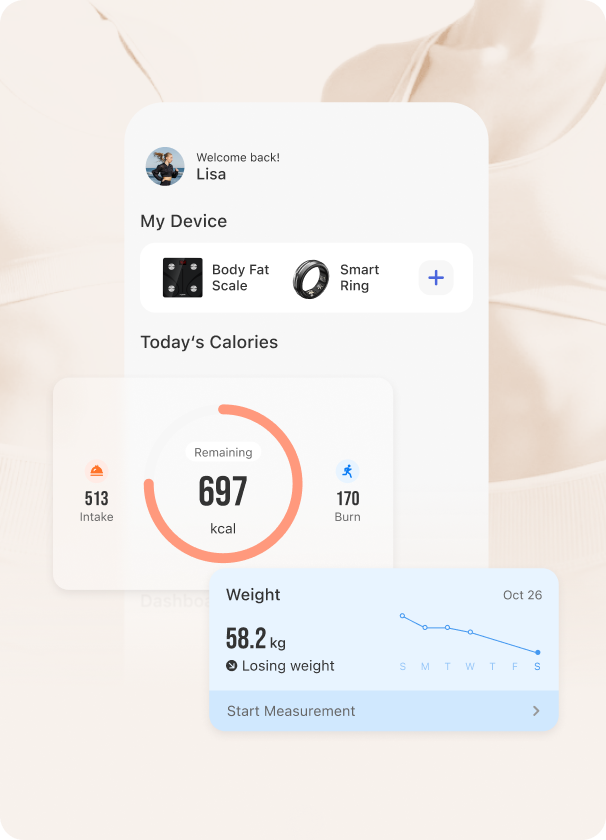
Make your own breakthroughs with the help of auto-generated reports, visual graphs & trend charts pointing out the way to wellness.

Take control of your health today.



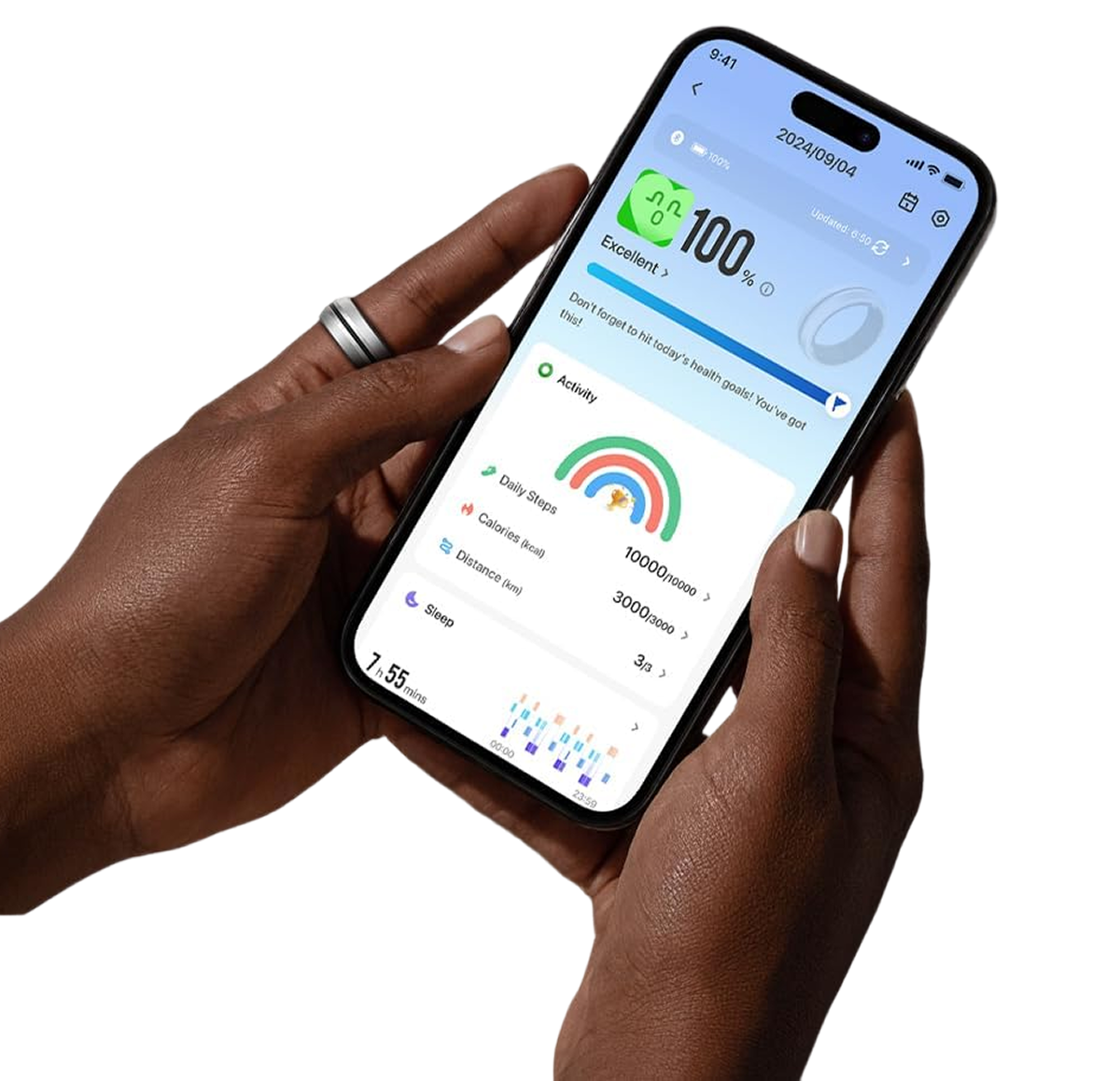
Make your own breakthroughs with the help of auto-generated reports, visual graphs & trend charts pointing out the way to wellness.
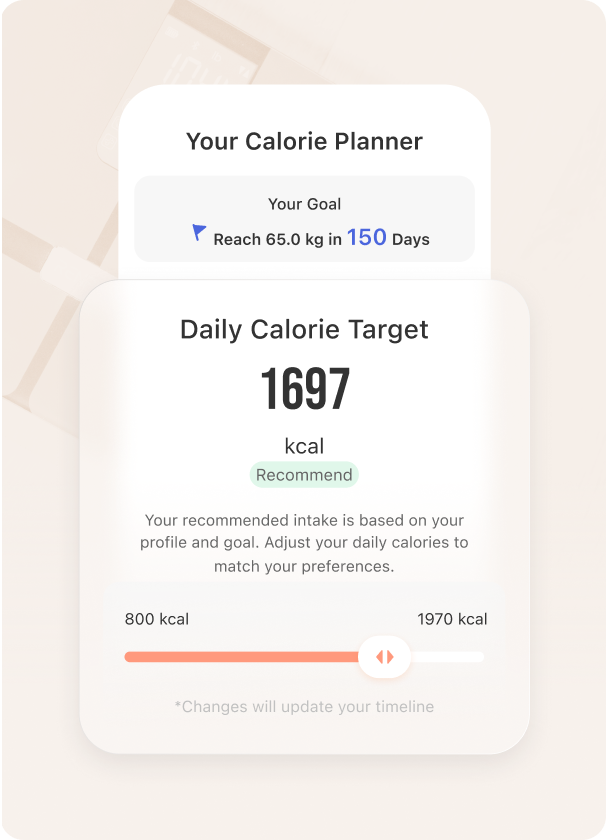
Set goals and see progress for all things health-related. Get tailored recommendations and motivational support on every part of the journey.
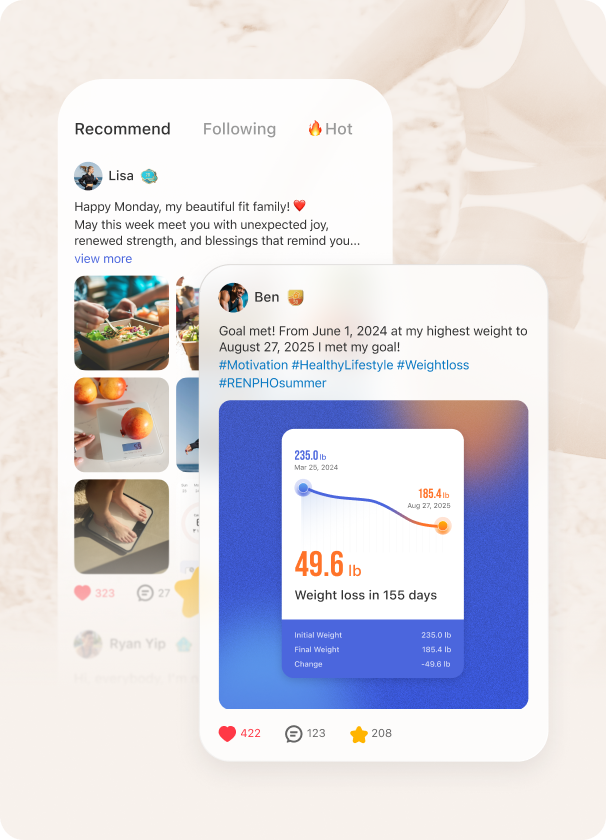
Stay driven by engaging with users around the world. Share progress and get uplifted by your new circle of support on our global social hub.
Get Renpho Health from the App Store or Google Play, then create a free account or sign in.
Allow Bluetooth access when asked. On Android, allow Location too, which Android requires to find nearby devices.
Tap + on the home screen and wake your device. For a scale, step on it barefoot. The app pairs automatically.
Connect a service from the app's settings and choose which data to share. You can turn it off at any time.
“This scale is incredible. It provides valuable information about my weight and all the weight related metrics… Its dashboard reports after each weighting is priceless. I absolutely love it.”
“I said a goal this year to lose around 30 pounds and this has been the most helpful way to track my health journey. I especially love the calorie intake feature.”
“Works great with Apple Health & the app shows lots of pertinent information. Easy to use & see results.”
“Been using the scale and app for years. Can’t say enough good things about RENPHO.”
“Always sync’s to mine and detailed information.”
Your account works in both. Switch over to keep getting new features and support for the latest devices.